Web HostingBudget-friendly shared hosting plans
 Domains SearchFrom .com to unique country domains, explore and register extensions worldwide.
 WordPress HostingPower your blog or business with WordPress hosting.
 Email HostingSimple, secure email hosting that helps you stay connected and professional.
 Reseller HostingStart your own hosting business with easy and reliable reseller hosting plans.
 AffiliateJoin our affiliate program and earn commissions every time you bring in new customers.
 cPanel HostingHosting powered by cPanel, the world’s most user-friendly control panel.
 Windows HostingBuilt for Windows applications and websites
 IN Domain PricesDon’t miss out on the best domain deals in India!
 WHOIS LookupFind out who owns a domain name with a quick and easy WHOIS search.
 Domain TransferTransfer your domain to us and enjoy reliable support every step of the way.
 .Com DomainGet the most trusted domain for worldwide credibility
 All TldsSearch and register domain extensions worldwide.
 SSL CertificatesProtect your website with trusted SSL certificates and keep customer data safe.
 VPS HostingPowerful virtual servers. Full root access. Reliable uptime.
 Managed VPS HostingNot a tech expert? Choose our fully managed VPS service.
 Dedicated ServersTake full power and total control of your own physical server.
 AI Website BuilderCreate stunning websites instantly with our easy AI builder.
 Online ShopBuild your eCommerce store easily, no coding, just growth.
 Web Design ServicesGet a website built for your brand and designed for your goals.
 Contact UsReach out to us for support or questions.
 SupportGet answers and how-to guides for all our services.
 BlogRead our latest blogs on web hosting, online business, digital marketing, and other helpful topics.
Holi is here! If you’re running an online business, you’re probably planning festive discounts, flash sales, or limited-time bundles.
You are also probably focused on intense marketing, social media ads, and influencer promotions to drive sales.
But here’s the real question: Can your website actually handle the traffic when it arrives?
Nothing is more frustrating than spending money on ads only for your website to slow down, crash, or lose customer orders.
A few seconds of delay can send buyers straight to your competitors and damage your reputation far beyond Holi.
If you want your Holi campaign to increase revenue instead of causing chaos, preparation is key. Let’s walk through 7 practical ways to get your website fully ready for high-traffic sales.
Why Holi Traffic Can Make or Break Your Online Sales
Festivals and holidays naturally increase spending.
Many users are not just browsing; they’re ready to purchase. Additionally, most holiday promotions involve countdown timers, exclusive coupons, and flash deals.
This results in simultaneous visits, meaning hundreds or thousands of users could be browsing and checking out at the same time.
If your pages take too long to load or bring up errors like “504 Gateway Timeout error,” visitors leave. Most users won’t wait more than a few seconds, and some may never return.
That’s why ensuring your website can handle holiday traffic is essential.
Here are 7 ways to do this:
1) Test Your Website Speed Before the Traffic Surge
Let’s start with something simple but incredibly important: Speed. The faster your website, the more likely visitors are to stay, browse, and buy.
During festival season, people are impatient. They’re comparing offers across websites, and a slow load time will send them straight to your competitor.
Aim for your website to load under 3 seconds. Key pages like product listings and checkout should ideally load in 2 seconds or less.
Simple Tools to Check Website Speed
Testing your website speed is easy. You don’t need to be a tech wizard. A few free tools can do the job:
- Google PageSpeed Insights – checks your site’s speed and gives practical recommendations.
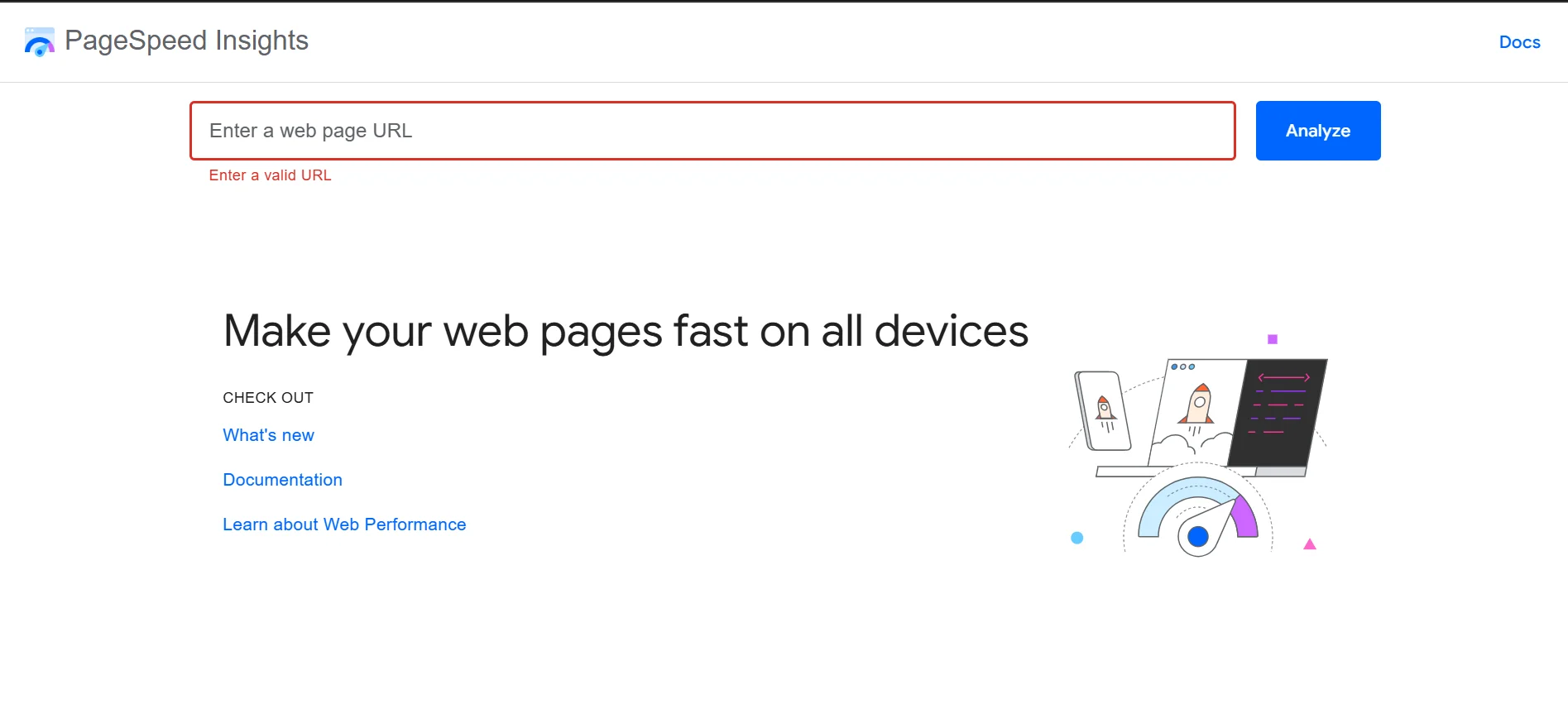
- GTmetrix – breaks down loading times and points out exactly what’s slowing your pages down.
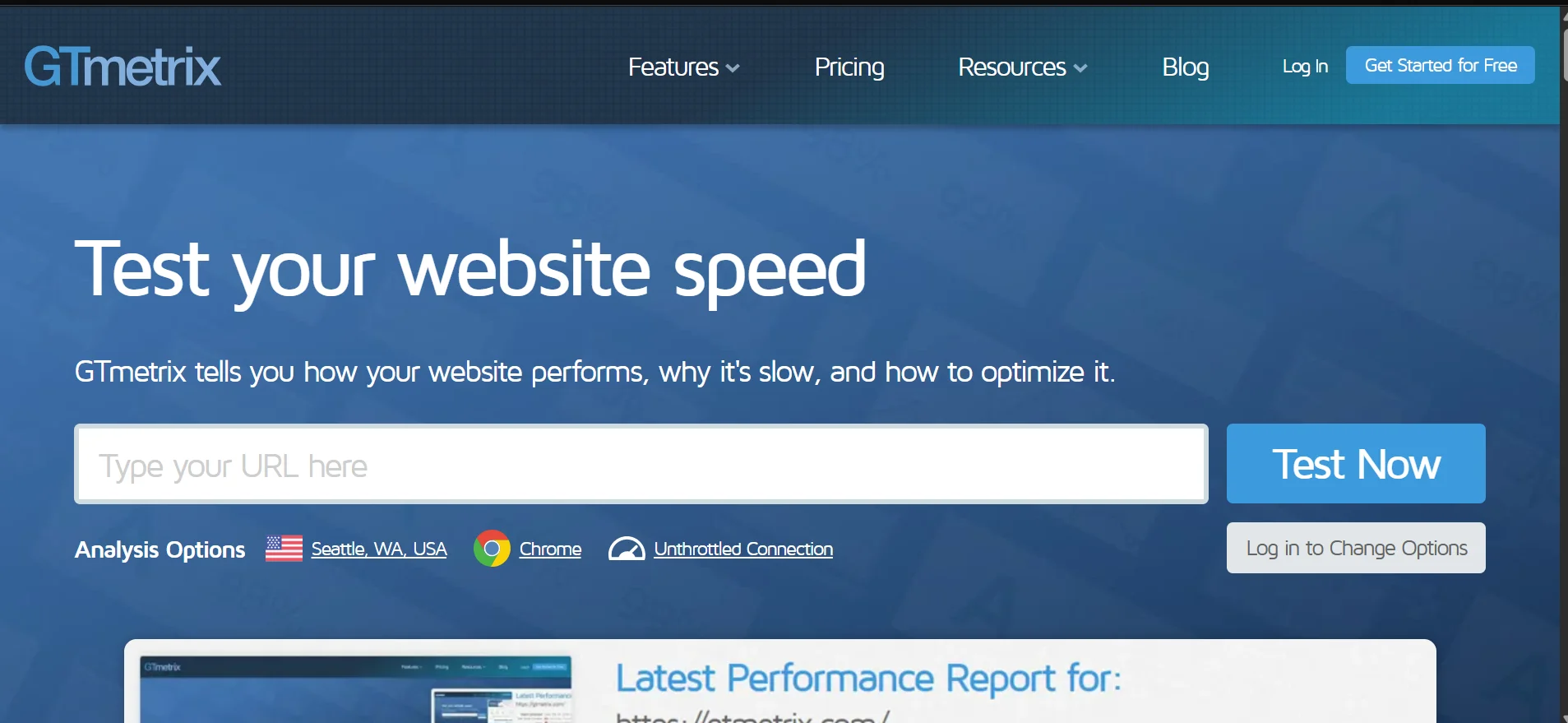
Run your homepage, product pages, and checkout through these tools. Don’t just test once; test multiple times at different hours.
How to Boost Website Speed
If your results aren’t great, here are practical ways to improve:
- Compress images – Use WebP format or image compression tools to reduce file sizes without affecting quality.
- Enable browser caching – This allows returning visitors to load your site faster because some elements are stored locally.
- Minify CSS and JavaScript – Remove unnecessary code and whitespace.
- Use a Content Delivery Network (CDN) – A CDN stores copies of your site on servers around the world, reducing load time for users in different regions.
- Remove unused plugins – Too many plugins slow down performance and increase server load.
- Optimize your database – Especially important for e-commerce sites with many products and transactions.
2) Upgrade to Hosting That Can Handle Traffic Spikes
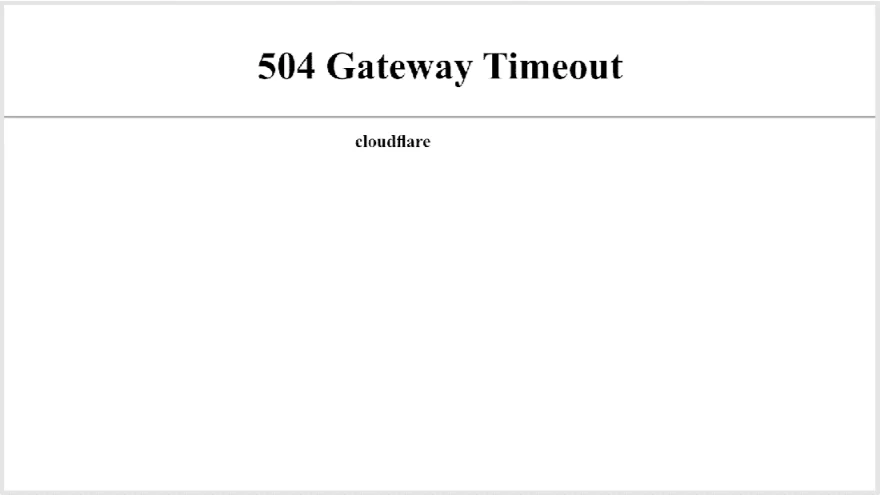
Sometimes, no matter what you do with images, caching, or plugins, speed issues persist.
That’s usually a sign your hosting can’t handle heavy traffic.
Shared hosting works fine for little traffic. But during Holi, it’s easy for server resources to max out, slowing down your site.
This is where upgrading to VPS hosting comes in.
With VPS hosting:
- You get dedicated resources.
- Performance is more stable.
- You can handle traffic spikes better.
- You have more control over configurations.
If you’re expecting a significant Holi surge, upgrading before the campaign begins is much safer than scrambling after your site crashes.
At Truehost, we offer both shared and VPS hosting plans. We also make it easy to scale from shared hosting to VPS.
To learn more about our hosting plans, click here.
3) Secure Your Website with SSL & Security Measures
Trust is everything when it comes to online shopping. If your site doesn’t seem secure, buyers will hesitate, especially during checkout.
How to strengthen your security for Holi
a) Have an SSL Certificate Installed
An SSL certificate (HTTPS) encrypts data transferred between your website and your customer’s browser.
It displays the padlock icon in the address bar, reassuring visitors that their payment and personal information are protected.
Without SSL, modern browsers may even mark your site as “Not Secure.” This can lead to many users abandoning your website in their comparisons.
b) Enable Firewalls
A firewall acts as a protective barrier between your website and malicious traffic.
It filters incoming requests and blocks suspicious activity before it reaches your server.
During Holi, traffic increases and so can cyberattacks, making firewalls essential.
c) Set Up Automated Backups
Automated backups create copies of your website data at regular intervals.
If something goes wrong, whether from hacking, server failure, or accidental deletion, you can restore your site quickly.
This minimizes downtime and protects your sales revenue.
d) Monitor for Malware
Malware refers to malicious software designed to damage or steal data.
Regular malware scans detect suspicious files early before they harm your website or customers.
Ignoring malware can lead to blacklisting by search engines, meaning potential customers might not even see your site.
e) Add Two-Factor Authentication (2FA)
Two-factor authentication adds an extra layer of login protection. Even if someone steals your password, they can’t access your admin panel without a secondary verification code.
With Truehost, most security measures are included in hosting packages but others may require additional configuration and premium add-ons. See here.
4) Stress-Test Your Checkout Process
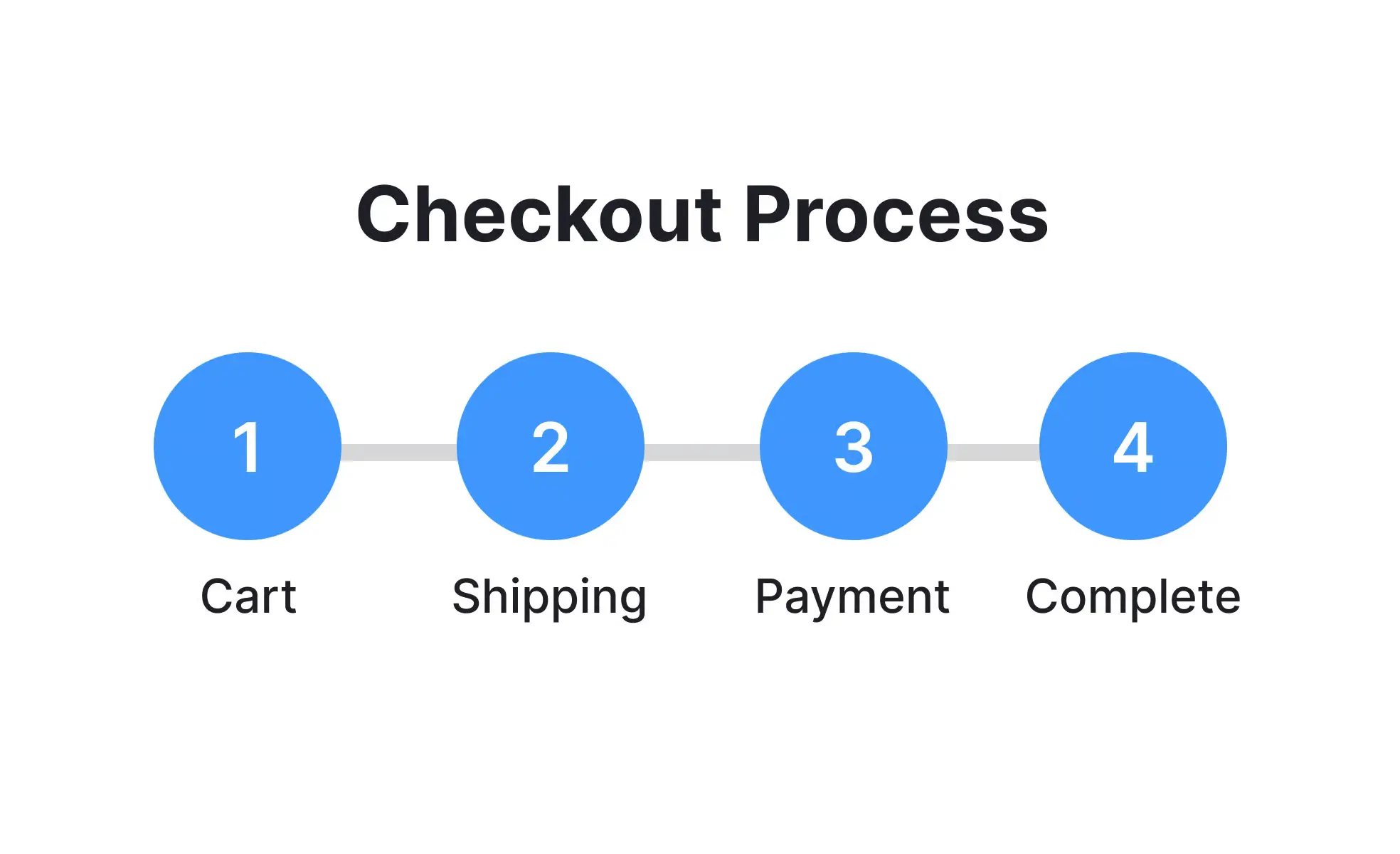
Nothing kills sales faster than a broken checkout.
Before launching your Holi campaign, simulate real transactions. If possible, use a staging environment to test without affecting live customers.
Make sure:
- Payment gateways process transactions smoothly.
- Confirmation emails are sent instantly.
- Inventory updates correctly after each purchase.
- Discount codes apply properly.
- Order tracking works without errors.
- Tax and shipping calculations are accurate.
Also test under load. Ask multiple team members to attempt simultaneous checkouts. If your checkout slows down or crashes under pressure, that’s a red flag.
5) Optimize for Mobile Buyers
Most festive shoppers are on their phones. If your site isn’t mobile-friendly, you’re losing a huge portion of potential revenue.
How to Optimize for Mobile Buyers
- Use a responsive design that automatically adjusts to screen size.
- Make buttons large and easy to tap.
- Simplify navigation menus.
- Reduce pop-ups that block the screen.
- Enable guest checkout to minimize typing.
- Use autofill options for addresses and payments.
Also, test your site on multiple devices. Check different browsers and screen sizes to ensure a smooth experience.
6) Simplify Your Website for Distraction-Free Shopping
During Holi sales, your goal is simple: help visitors find deals fast and complete their purchase quickly.
High-traffic periods are not the time for complicated layouts, cluttered banners, or confusing navigation.
When people arrive on your site during a flash sale, they already know what they want – discounts, bundles, or limited-time offers.
If they struggle to find them, they leave.
How to Simplify Your Website Before Holi
a) Highlight Holi Offers Clearly
Create a dedicated Holi banner at the top of your homepage. Better yet, add a separate “Holi Sale” category so visitors can instantly browse discounted products.
b) Reduce Homepage Clutter
Too many pop-ups, sliders, and competing messages slow down decision-making. Focus on:
- One strong festive message
- Clear call-to-action buttons (Shop Now, Grab Deal, Limited Offer)
- Easy access to bestsellers or featured deals
c) Streamline Navigation
Make your menu clean and easy to scan. During high-traffic sales, users shouldn’t need to click through five pages to find a product.
d) Simplify Checkout Steps
If your checkout process has unnecessary fields, remove them. The fewer steps between cart and payment confirmation, the higher your conversion rate.
e) Display Trust Signals Prominently
When traffic increases, so do first-time visitors. They need reassurance before purchasing.
Show customer reviews, security badges, return policies, and delivery timelines clearly.
7) Monitor Performance in Real Time During the Sale
Preparation doesn’t end once your Holi sale goes live.
You need to monitor your website in real time. Keep an eye on:
- Server CPU usage
- Memory consumption
- Page load times
- Error rates
- Abandoned carts
Use analytics tools to watch traffic patterns. If you see sudden spikes, be ready to scale resources quickly if your hosting allows it.
Have a basic emergency plan:
- Who do you contact if the site crashes?
- How fast can you upgrade resources?
- Do you have recent backups?
Quick action can turn a potential disaster into a minor hiccup.
At Truehost, we offer 24/7/365 local support, ensuring that you’re never alone during critical sales periods.
Our team is always on standby to help you resolve technical issues fast, scale your resources when traffic surges, and keep your website running smoothly so you can focus on maximizing your Holi sales.
Holi Sale Website Readiness Checklist
Performance & Speed
- Images compressed (WebP preferred)
- Browser caching enabled
- CSS & JavaScript minified
- Unused plugins removed
- Database optimized
- Website loads in under 3 seconds
- Product & checkout pages load in 2 seconds or less
- Tested using Google PageSpeed Insights
Hosting & Scalability
- Traffic expectations estimated
- Current hosting plan reviewed
- Scaling options confirmed
- Upgrade hosting (if required)
- Emergency upgrade process understood
- Hosting support contact saved (e.g., Truehost)
Security & Protection
- SSL certificate active (HTTPS + padlock visible)
- Firewall enabled
- Automated backups scheduled
- Latest backup verified
- Malware scanning active
- Two-Factor Authentication (2FA) enabled
- Strong admin passwords set
Checkout & Payments
- Test purchases completed successfully
- All payment gateways working
- Backup payment option enabled
- Confirmation emails sending properly
- Inventory updating correctly
- Discount codes applying properly
- Tax and shipping calculations accurate
- Order tracking functioning without errors
Mobile Optimization
- Fully responsive design
- Buttons large and easy to tap
- Navigation simplified
- Pop-ups minimized on mobile
- Guest checkout enabled
- Autofill working smoothly
- Tested on multiple devices and browsers
User Experience & Conversion
- Holi banner clearly visible
- Dedicated “Holi Sale” category created
- Homepage clutter reduced
- Clear “Shop Now” or “Grab Deal” calls-to-action
- Checkout steps minimized
- Reviews, return policy, and delivery information visible
Live Monitoring Plan
- Real-time performance monitoring enabled
- Analytics dashboard open during the sale
- Team member assigned to monitor performance
- Emergency contact plan ready
- Support available 24/7 if needed
Final Pre-Launch Question
If traffic suddenly doubles tonight, will your website stay fast, secure, and stable?
If every box above is checked, you’re not just hoping your site survives Holi traffic, you’re prepared for it.
Visit our website’s main page to get more information on any service you may need.