Web HostingBudget-friendly shared hosting plans
 Domains SearchFrom .com to unique country domains, explore and register extensions worldwide.
 WordPress HostingPower your blog or business with WordPress hosting.
 Email HostingSimple, secure email hosting that helps you stay connected and professional.
 Reseller HostingStart your own hosting business with easy and reliable reseller hosting plans.
 AffiliateJoin our affiliate program and earn commissions every time you bring in new customers.
 cPanel HostingHosting powered by cPanel, the world’s most user-friendly control panel.
 Windows HostingBuilt for Windows applications and websites
 IN Domain PricesDon’t miss out on the best domain deals in India!
 WHOIS LookupFind out who owns a domain name with a quick and easy WHOIS search.
 Domain TransferTransfer your domain to us and enjoy reliable support every step of the way.
 .Com DomainGet the most trusted domain for worldwide credibility
 All TldsSearch and register domain extensions worldwide.
 SSL CertificatesProtect your website with trusted SSL certificates and keep customer data safe.
 VPS HostingPowerful virtual servers. Full root access. Reliable uptime.
 Managed VPS HostingNot a tech expert? Choose our fully managed VPS service.
 Dedicated ServersTake full power and total control of your own physical server.
 AI Website BuilderCreate stunning websites instantly with our easy AI builder.
 Online ShopBuild your eCommerce store easily, no coding, just growth.
 Web Design ServicesGet a website built for your brand and designed for your goals.
 Contact UsReach out to us for support or questions.
 SupportGet answers and how-to guides for all our services.
 BlogRead our latest blogs on web hosting, online business, digital marketing, and other helpful topics.
So, you want to build a website but you have no idea where to start.
Maybe you have a business idea that needs an online home. Or you’re a freelancer who wants to showcase your work.
Or perhaps you’re already running a business and you’ve been putting it off because it seems too technical and expensive.
But building a website is easier than ever. You don’t even need to know how to code. The tools available today handle the hard stuff for you.
What you do need is a clear plan and the right steps to follow.
That’s exactly what this guide gives you. We’ll go through every step, and by the end, you’ll have everything you need to build your first website.
Step 1) Define Your Website’s Purpose
Before anything, you need to get clear on the purpose of the website you’re building.
This might seem obvious. But most people skip this step and end up rebuilding their site six months later because it doesn’t serve their real needs.
Defining your purpose upfront saves you time, money, and a lot of frustration.
Ask yourself these key questions:
What is the main goal of your website?
Different goals require different features and sometimes entirely different types of sites.
Here’s a quick breakdown:
| Purpose | Key Features You’ll Need | Best For |
| Sell products | payment gateways, product catalog, shopping cart | Small businesses, side hustlers, online stores |
| Share information | Blog/article/news sections, search functionality, clear navigation, SEO tools | Bloggers, educators, nonprofits, consultants |
| Showcase work | Image gallery, project pages, testimonials, contact form | Freelancers, designers, photographers, creatives |
| Generate leads | Contact forms, newsletter sign-ups | Service providers, agencies, B2B businesses |
| Build a community | User registration, membership features, social integration | Creators, hobby groups, professional networks |
| Offer services | Booking system, payment processing, service descriptions | Coaches, therapists, tutors, consultants |
Who is your target audience?
Your site will need to speak to real people, so get specific.
Ask:
- How old are they?
- What problems are they trying to solve?
- What language and tone do they respond to?
- What devices do they use (mobile vs. desktop)?
If you already have customers or followers, consider sending a short survey or having a few conversations. The insights you get will shape everything from your design to your content.
What are your competitors doing?
Spend time looking at 3-5 websites in your niche.
Take notes on:
- What they do well (design, content, user experience)
- Where they fall short (poor navigation, missing information, slow loading)
- What pages they include/lack
- What their calls-to-action look like
This research helps you understand what’s expected in your space and where you can stand out.
What is your unique value proposition?
What do you offer that others don’t?
This could be faster delivery, a more personal service, a specific niche focus, or a unique perspective.
Your answer to this question should be visible and prominent on your homepage.
Step 2) Choose a Website Builder or Platform
Once you’ve outlined your website’s purpose, it’s time to choose how you’ll actually build the site.
You have a number of options to choose from, including:
- Website builders
- Content management systems (CMS)
- Custom development
- AI coding agents
Custom development requires hiring a developer, which means higher costs and longer timelines.
AI coding agents like Claude Code can generate functional websites from plain-language prompts. But the output still needs someone with technical experience to at least make sure there’s nothing with the backend.
Both are worth exploring as you grow, but not where you want to start.
If you’re a beginner and want to do it yourself, you’ll be choosing between the first two.
Website Builders: The Fastest Way to Get Online
If you want to go from idea to a finshed website in a matter of hours, a website builder is your best bet.
These tools are designed specifically for non-technical users.
You pick a template, drag and drop your content, customize colors and fonts, and hit publish.
No code or developer needed.
Here are some of the best options available:
a) Ollit AI
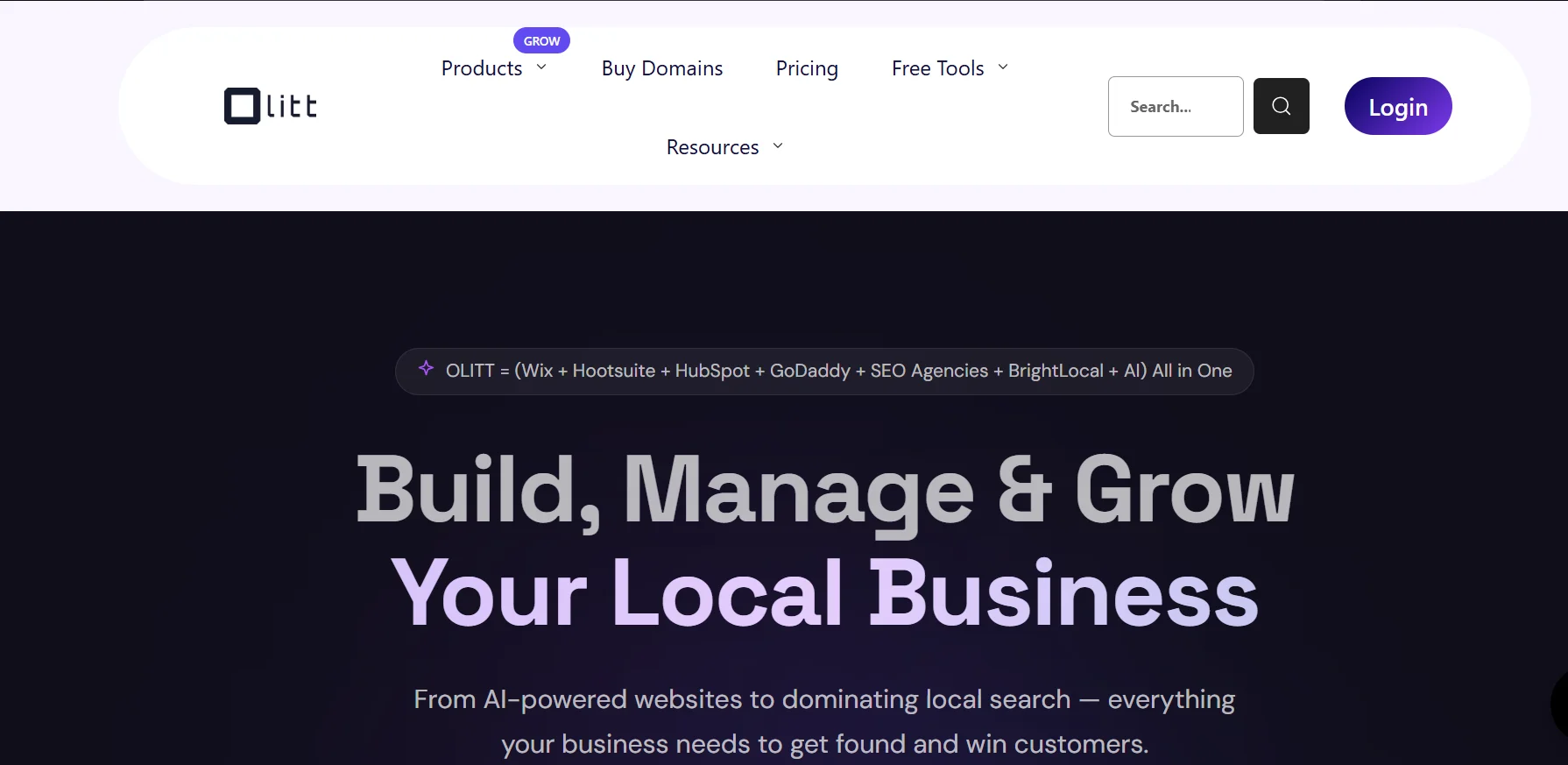
One of the most exciting newer entrants in this space. Ollit uses AI to generate an entire website based on your inputs.
The AI asks you a few questions about the website you want and then builds it for you.
It’s an excellent choice for entrepreneurs, consultants, and small businesses who want a professional-looking website without spending days designing it themselves.
Here are some articles showing how it works:
- Vibe Coding a Consulting Business Website with Ollit AI: How it Went
- I Vibe Coded A WordPress Blog Website With Ollit AI: Here’s How It Went
b) Lovable
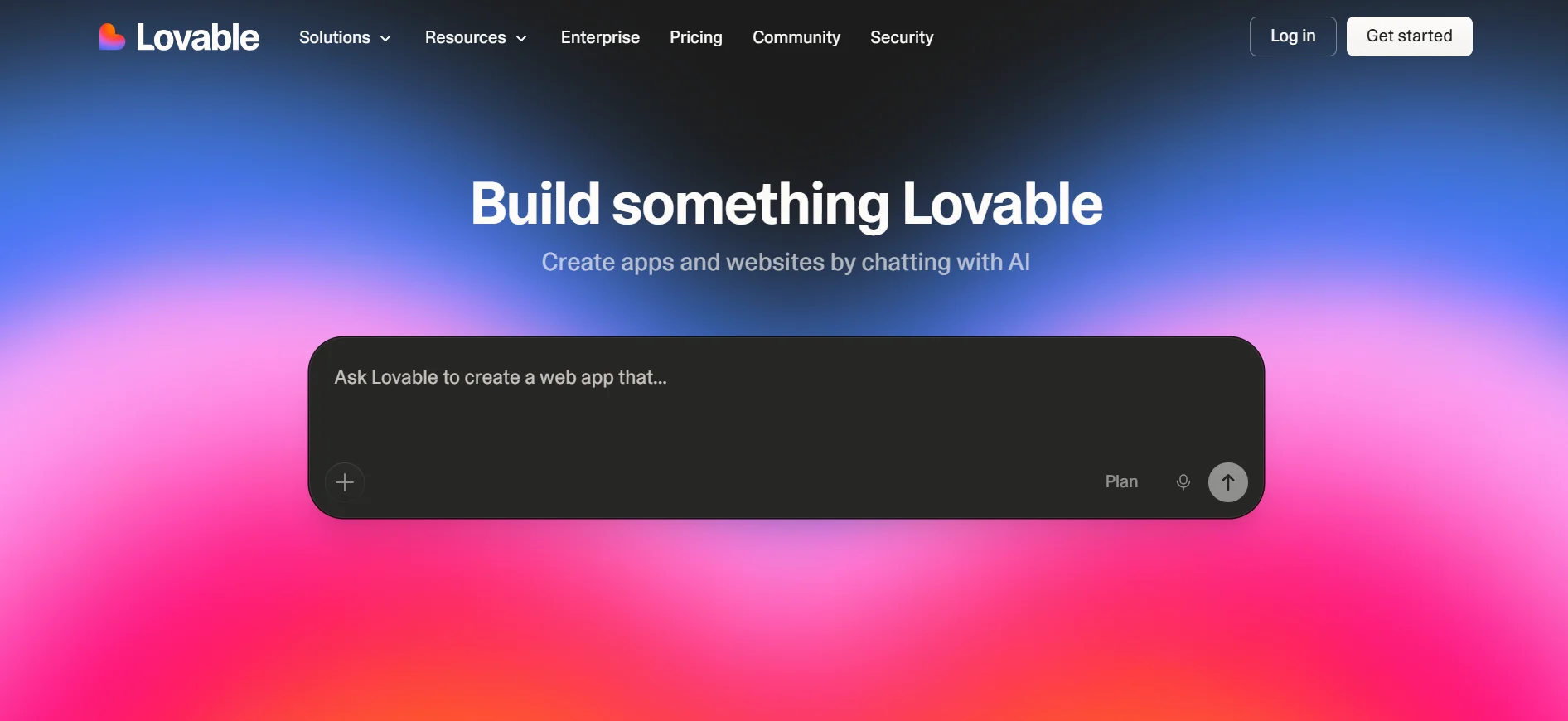
Lovable is another AI-powered builder focused on clean design and ease of use. You describe what you want, it handles the design and everything else.
It’s a strong choice for creators, freelancers, and startups.
c) Wix
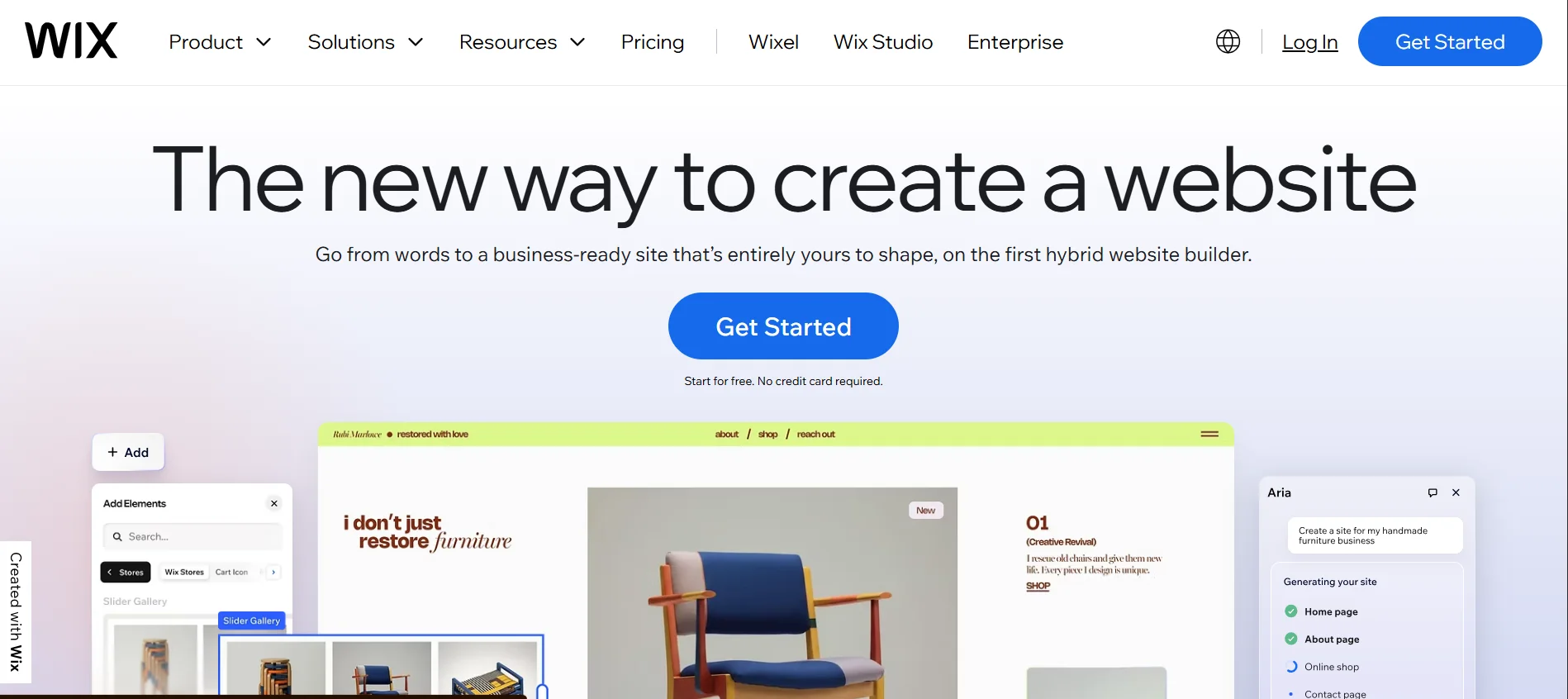
Wix is one of the most popular website builders in the world.
It offers hundreds of templates and a highly flexible drag-and-drop editor. It also has a wide range of built-in features for eCommerce, blogging, and more.
This is a great all-around choice for beginners.
d) Squarespace
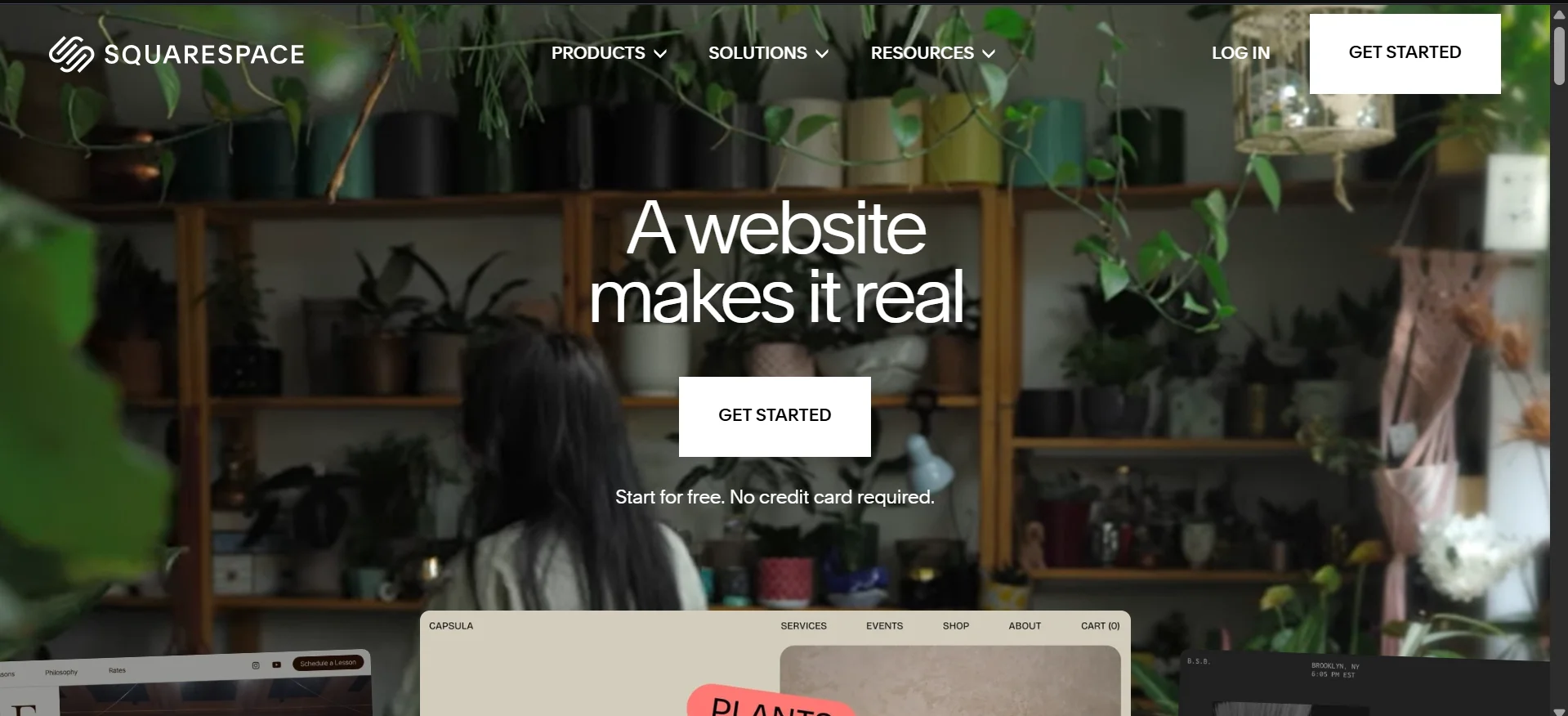
Squarespace is renowned for its beautiful, design-forward templates.
It is particularly popular among photographers, creatives, and lifestyle brands.
It’s a little less flexible than Wix, but the out-of-the-box quality is hard to beat.
e) Webflow
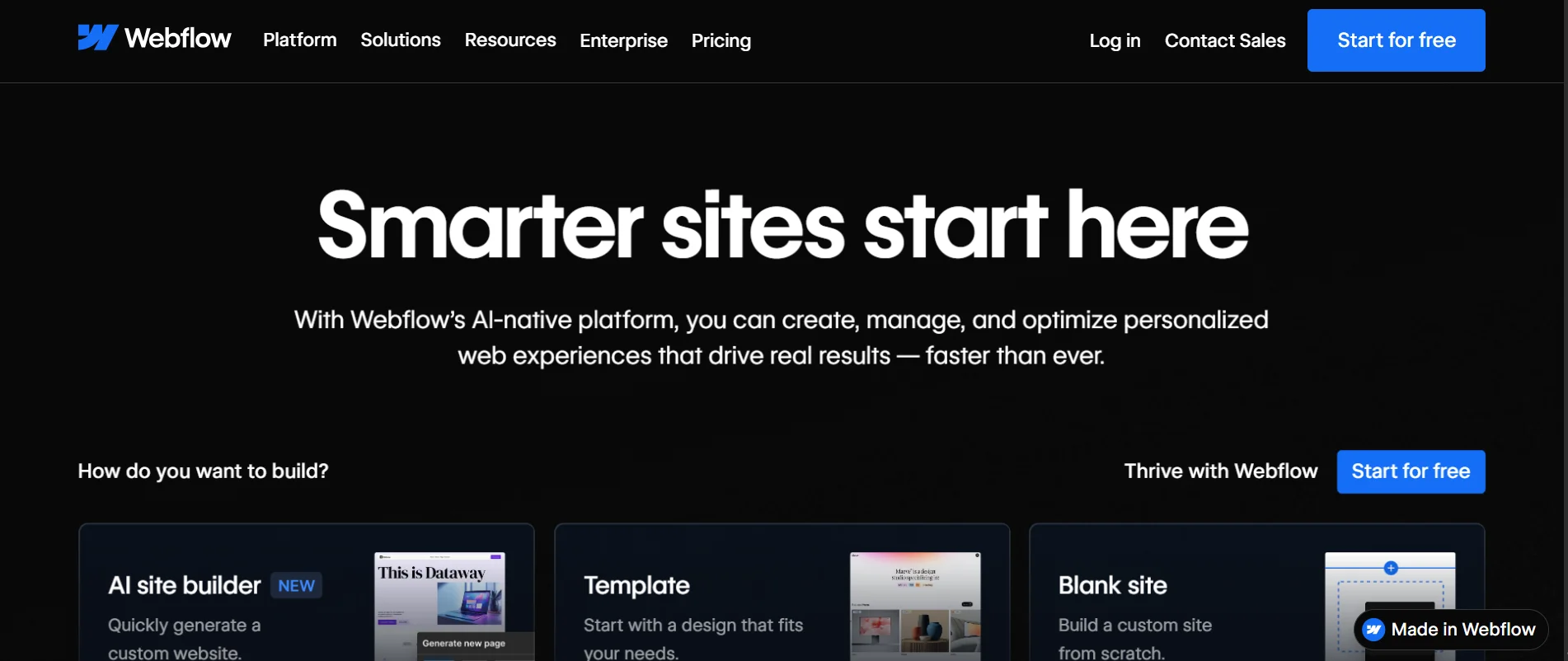
More powerful than the others and still technically no-code. Webflow gives you pixel-level control over design without writing code.
It’s ideal if you want a highly customized site and are willing to invest a bit more time learning the platform.
Content Management Systems (CMS)
A CMS gives you more control and flexibility than a typical website builder.
The tradeoff is that there’s a steeper learning curve.
But for content-heavy sites or projects you expect to grow significantly, a CMS is worth it.
Here are some examples:
a) WordPress.org
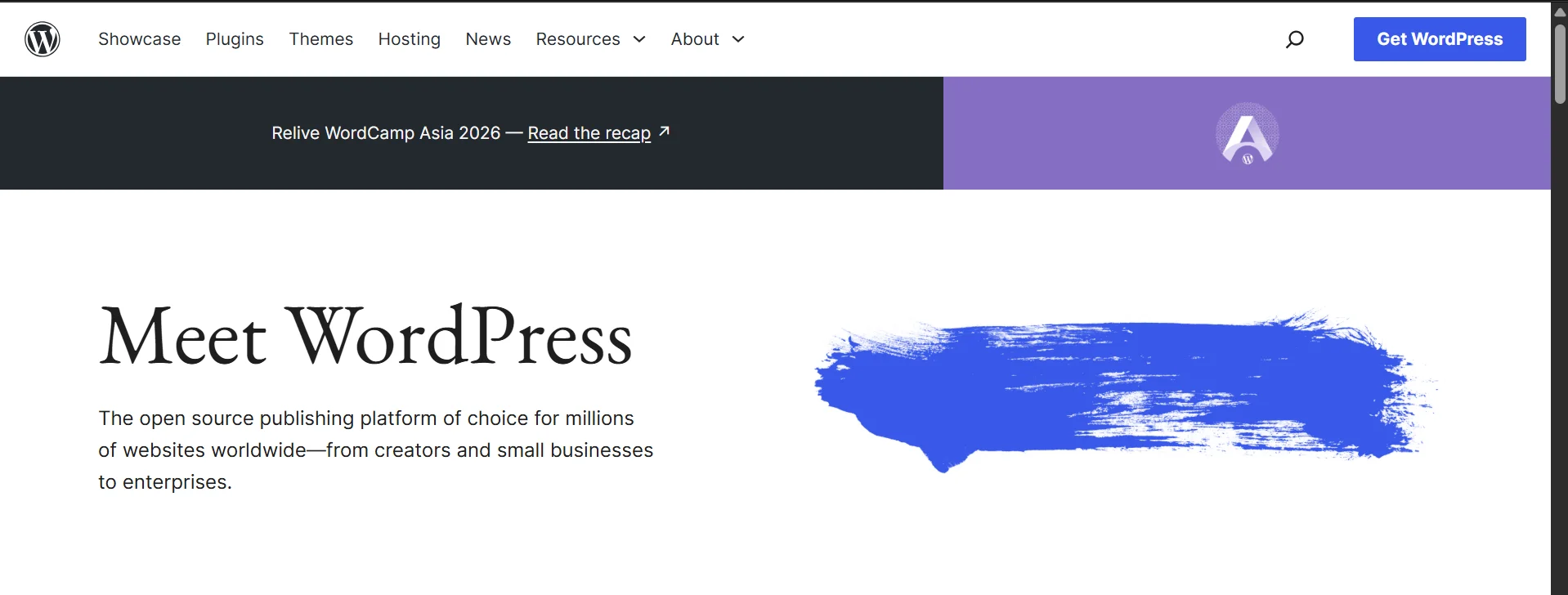
WordPress is the undisputed CMS leader, powering over 40% of all websites on the internet.
It has thousands of free and premium themes, tens of thousands of plugins for every feature imaginable, and a massive support community.
However, WordPress.org requires its own hosting, which adds a small layer of complexity. But the flexibility and scalability are unmatched.
You can alternatively choose to build with WordPress.com. No hosting is needed; you sign up and start building straight away.
However, the free and lower-tier plans come with significant limitations: restricted plugins, forced ads, limited storage, and less design flexibility.
b) Ghost
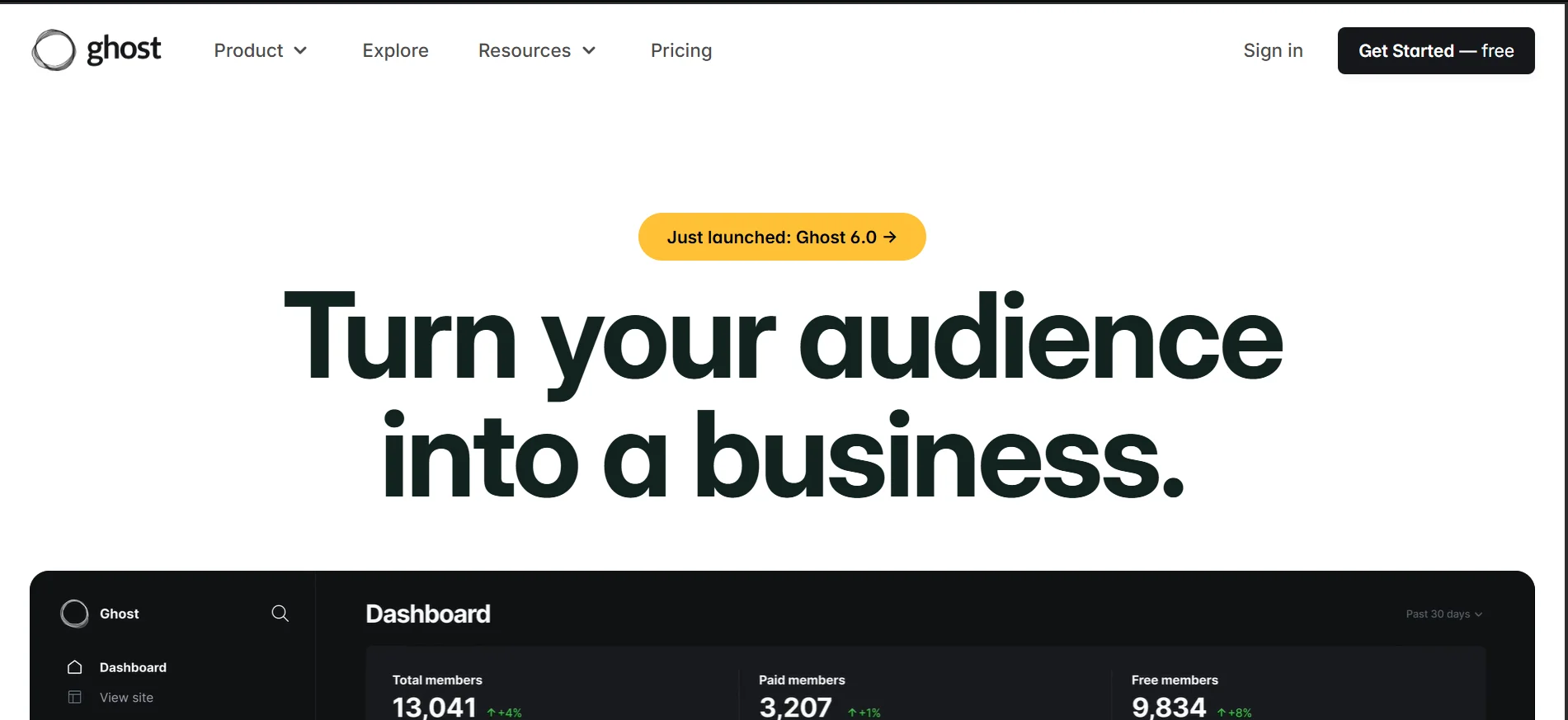
Ghost is built specifically for bloggers and publishers.
It’s clean, fast, and stripped of unnecessary complexity.
If your primary goal is to write and grow an audience, Ghost is an excellent alternative to WordPress.
c) Joomla
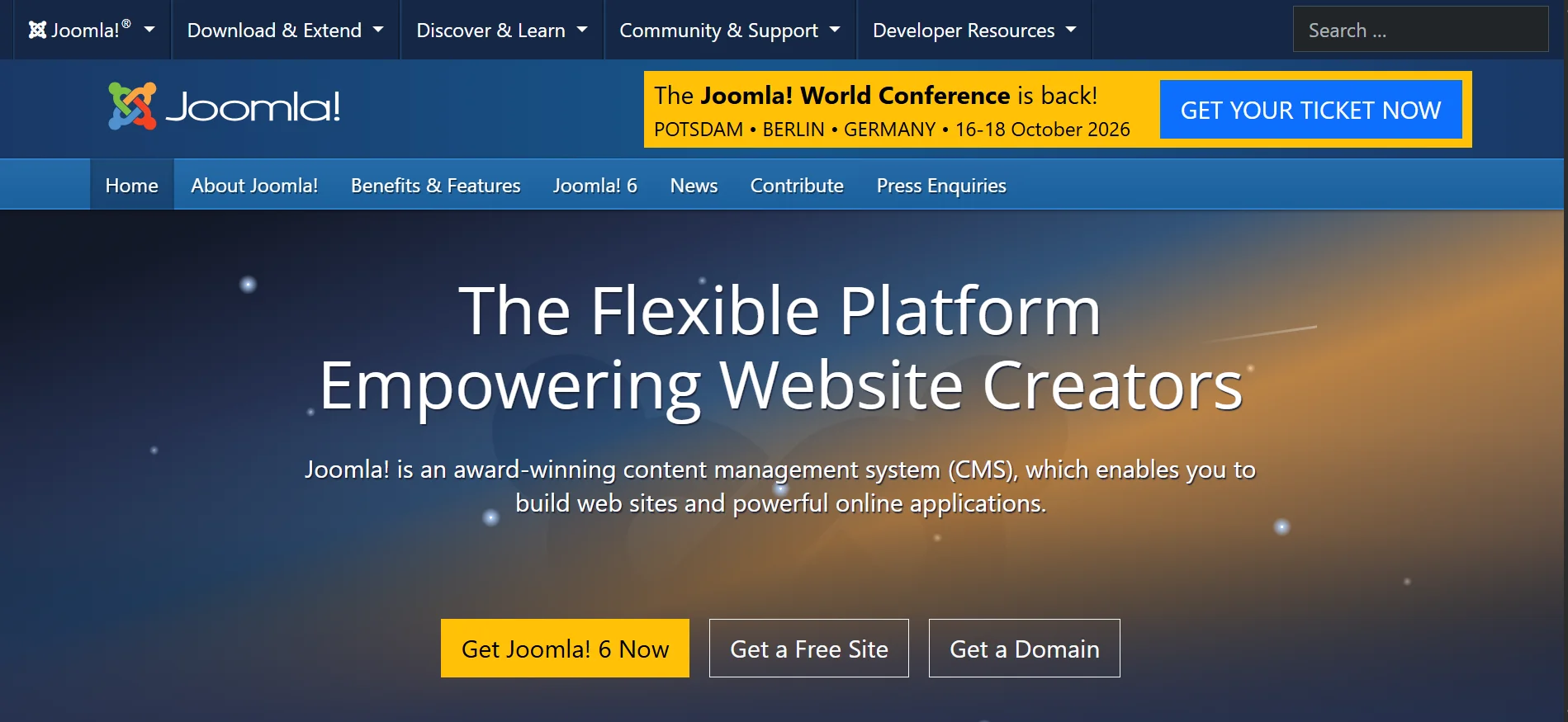
Joomla offers a middle-ground CMS that sits between WordPress and more technical platforms.
It’s good for community-based websites or those needing multi-language support.
Step 3) Design Your Website Layout
Design is not just about making things look pretty.
It’s about making your site easy to use and trust.
You don’t need to be a designer. But you do need to understand a few key principles:
1) Choose a template that fits your purpose – Don’t pick a template because it looks cool if it doesn’t suit your type of website. A restaurant template for a law firm sends the wrong signals. Most builders categorize templates by industry; use this filter.
2) Maintain a consistent brand identity – Pick 2–3 brand colors and stick to them across every page. Consistency builds recognition and trust. If you already have a logo, you can extract colors from it.
3) Typography matters more than people think – Use no more than two font families; one for headings and one for body text. Avoid decorative or script fonts for body content; they’re hard to read. Stick to clean, modern typefaces like Inter, Lato, Poppins, or Merriweather.
4) Whitespace is your friend – Resist the urge to fill every inch of space with content. Empty space around text and images makes your site feel professional and your content easier to digest. Cluttered pages overwhelm visitors and drive them away.
5) Prioritize mobile design – More than 60% of web traffic comes from phones. Most builders automatically create mobile-responsive designs, but you should always preview your site on mobile before publishing.
6) Use visual hierarchy to guide the eye –The most important content on each page should be the biggest and most prominent. Headings, subheadings, and body text should have clear size distinctions so users can scan pages naturally.
Step 4) Add Essential Pages
No matter what your site is about, certain pages are non-negotiable.
Here’s what each one should include:
Home Page
This is your first impression. And research shows you have about 3-5 seconds to capture a visitor’s attention before they decide to leave or stay.
Your homepage should:
- Clearly communicate who you are and what you offer (usually in a bold headline and a supporting sentence or two)
- Include a strong hero image or banner that’s visually aligned with your brand
- Feature your primary call-to-action (e.g., Book a Free Call, Shop Now, Read the Blog)
- Provide a brief overview of your main pages or offerings with links to go deeper
- Include trust signals like client logos, testimonials, or a press mention if you have them
About Page
People buy from people they trust. Your About page is where that trust is built.
Don’t just list credentials; tell a story.
Your About page should include:
- The story of how you got started and why
- Your mission, values, or what drives your work
- A professional photo (Yourself, team, whatever applies to your situation)
- Relevant experience, qualifications, or achievements
- A human, relatable tone.
Services or Products Page
This page helps visitors understand exactly what you offer and whether it’s right for them.
Be specific, clear, and focus on benefits rather than features alone.
Include:
- A description of each service or product
- Pricing (if applicable and appropriate for your industry)
- Who it’s for and what problems it solves
- High-quality photos or visuals
- Clear CTAs
Contact Page
Make it as easy as possible for people to reach you. A hard-to-find or complicated contact page costs you leads and customers.
Your contact page should have:
- A simple form (name, email, message, nothing more than necessary)
- Your email address (some people prefer to email directly)
- Your phone number and physical address if relevant
- Links to your social media profiles
- A Google Maps embed if you have a physical location
Privacy Policy
This is a legal requirement in most countries, especially if you collect any personal data
Many website builders and platforms include a privacy policy generator or template. Customize it for your site and link to it in your footer.
If you run an online store, also add a Terms & Conditions page and a Returns/Refund Policy page.
Step 5) Add Additional Functionality
Once your core pages are in place, think about what extra features your site needs to achieve its goals.
Note that piling unnecessary plugins and integrations slows your site down and creates maintenance headaches. Only add extra functionalities that are necessary.
Also note that the extra functionalities will depend on what kind of website you’re building.
Common features include:
a) eCommerce / Online Store – If you’re selling products or services, you’ll need a payment system. WooCommerce (for WordPress), Wix eCommerce, and Squarespace Commerce are solid built-in options.
b) Contact and Lead Capture Forms – Beyond a basic contact form, consider adding a newsletter sign-up form or a quote request form.
c) Booking and Scheduling – If your business involves appointments, a booking widget is a must.
d) Live Chat – A chat widget lets visitors ask quick questions without sending an email, which increases the chances they convert.
e) Analytics – Install Google Analytics (free) from day one. You can’t improve what you don’t measure.
Build Your Website Today
Building a website doesn’t have to be complicated or expensive.
With the steps above, you can build a website in a matter of hours.
Once your site is built, the next step is getting it online. I’ll be covering this in the next article.
At Truehost, we offer everything you need to get started, including our very own website builder. Try us today.